Why isn't my auto repair website getting phone calls?
People visit your website, then leave without calling. Here's how it played out at our sample shop, the way a mechanic works a car: concern, cause, correction, verification.
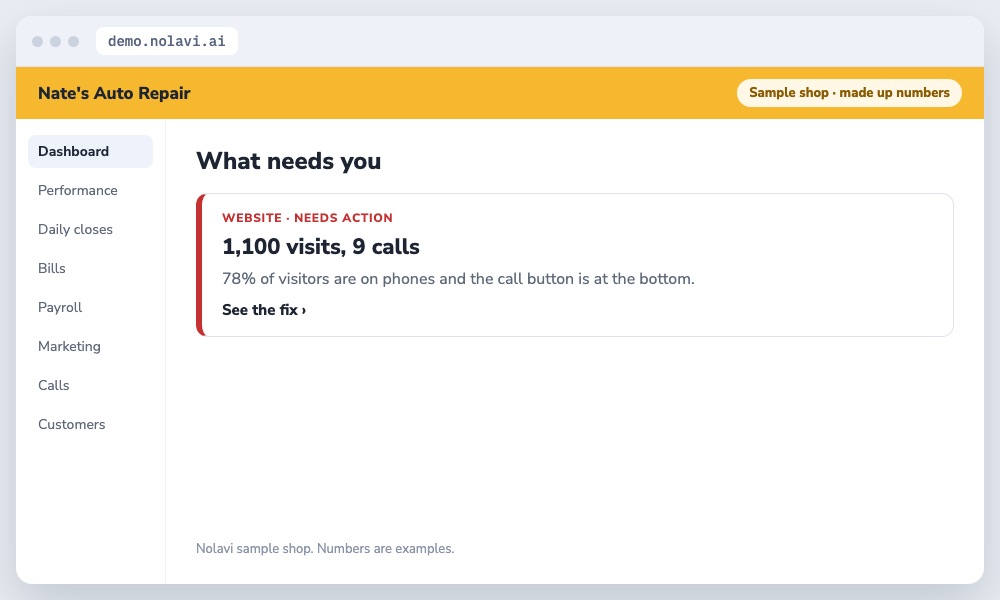
Nate's website had 1,100 visitors a month and brought in 9 calls.
Found by watching what visitors did.
2
The cause
Nolavi tracked what visitors did. 78% were on phones, the call button was at the bottom of the page, and the services page listed 40 jobs with no detail on any of them.
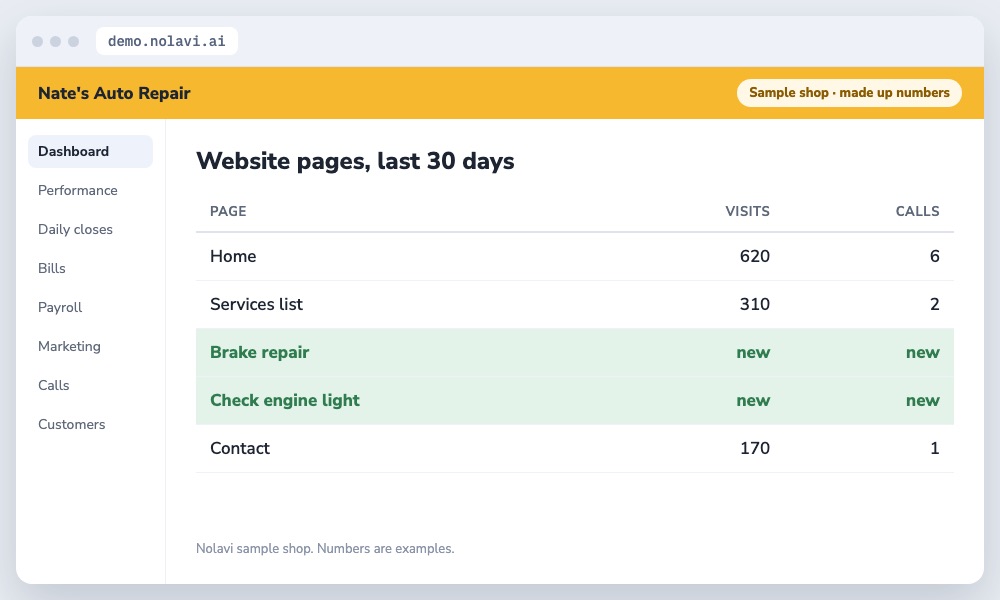
New pages for the jobs that matter.
3
The correction
We put a tap to call button at the top of every page and built real pages for his top 5 jobs, each with prices explained, warranty and reviews.
4
The verification
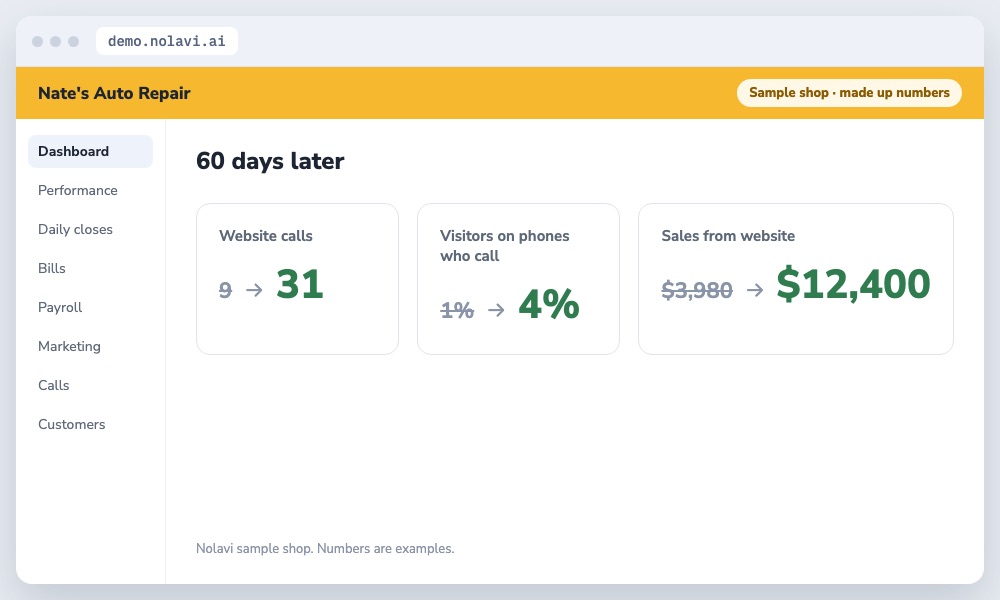
Calls from the website went from 9 to 31 a month. Each call is matched to the job it turned into.
The website finally rings the phone.
Example shop. Nate's Auto Repair is Nolavi's sample shop with made up numbers. The steps are exactly how Nolavi works on a real shop's data.
Questions
Quick answers.
What makes a repair shop website get calls?
A call button at the top, a page for each main job, reviews and warranty right there, and fast loading on phones.
How many pages should my shop website have?
At least one strong page for each job you want more of.
Open the demo and find this kind of problem yourself in a minute. Or book your 14 day free trial: it starts with a quick call, and we set it all up and fit it to your shop.
 Nolavi