Guides · KPIs

How can I see how my shop is doing when I'm not there?

When you're away, you're guessing, and it eats at you. Here's how Nolavi works through it, the same way a good mechanic works on a car: find the concern, the cause, the correction, then verify the fix.
1

The concern

Nate opened a second location and couldn't be in both. He called each shop three times a day to check in.

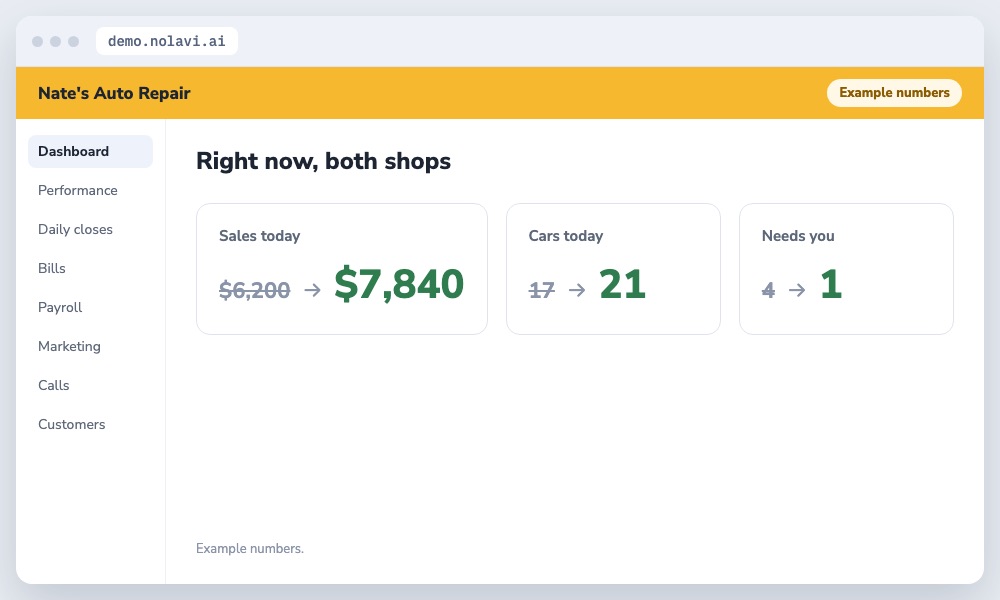
Nolavi phone view of two auto repair shops with sales, cars and items needing the owner
Both shops, one glance.
2

The cause

All the numbers were inside each shop's system, so the only way to know was to ask.

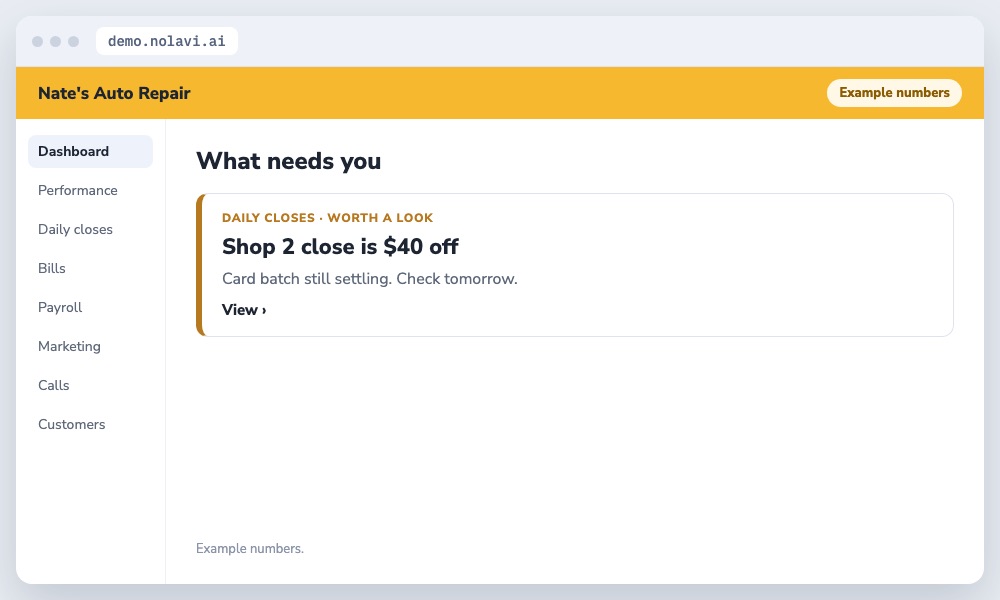
Nolavi remote alert for an auto repair shop close that is slightly off
Only what's off.
3

The correction

Nolavi shows both shops on his phone: sales, car count, closes, and a short list of what needs him, updated through the day.

4

The verification

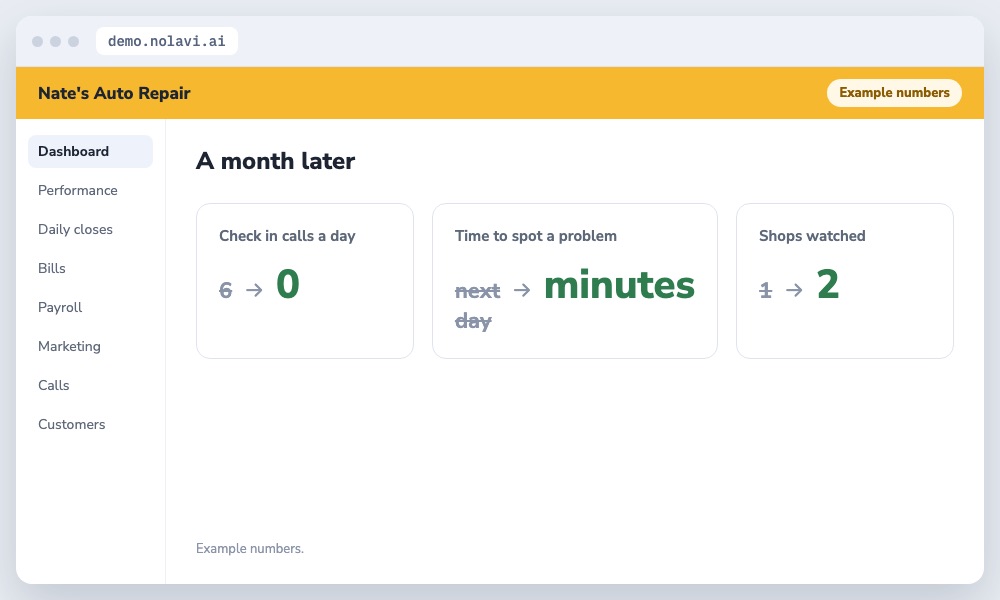
Check in calls dropped from 6 a day to none. He still knows within minutes when something's off.

Results of remote shop monitoring for an auto repair owner with two locations
Away, and still in control.

How we work. We make changes like this for shops all the time, using each shop's own data. The numbers shown are examples.

Questions

Quick answers.

Can I see my shop's numbers from my phone?

Yes. Nolavi shows sales, car count, closes and what needs you, for one shop or several.

What should I check when I'm away?

Sales against goal, the day's close, and anything flagged as needing you. That's usually enough.

Keep reading

See it for yourself.

Open the demo and find this kind of problem in a minute. Or book your 14 day free trial: it starts with a quick call, and we set it all up and fit it to your shop.

Try the live demo